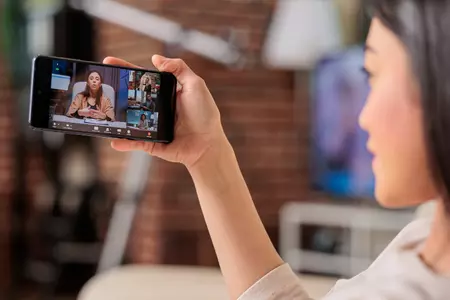
Live streaming an event often looks simple from the outside. A camera, a laptop and a button marked “go live”. In reality, professional event live streaming is much closer to a broadcast than a video call.
At Stream7, we’re often asked what actually goes into live streaming events properly. Whether it’s a conference, awards ceremony, exhibition or internal meeting, the process behind the scenes plays a huge role in how professional and reliable the final stream feels.
Planning a live streamed event
Successful live streaming starts well before the event day. Planning is where most live streaming issues are avoided.
This includes understanding the audience, choosing the right streaming platform, deciding whether the event is live-only or available on demand, and defining how interaction will work for online viewers. A clear run of show, camera plan and technical design ensures the live stream supports the event rather than distracting from it.
Cameras and visuals for event live streaming
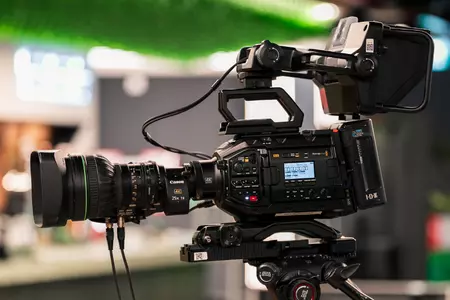
Professional event live streaming rarely relies on a single camera. Multiple camera angles help the stream feel engaging and intentional rather than static.
Wide shots show the room, closer shots keep speakers engaging, and additional angles allow for smooth transitions. Slides, graphics and lower thirds are integrated so online audiences always understand what they’re watching. This is one of the key differences between professional live streaming and basic setups.
Audio for live streamed events
Audio quality is one of the most important parts of live streaming an event.
Viewers will often tolerate average visuals, but poor sound quickly causes people to switch off. Microphones are selected and mixed carefully, whether that’s lapel microphones, handhelds, lecterns or panel mics. Audio from videos and presentations is also balanced so online viewers hear everything clearly.
The live streaming control desk
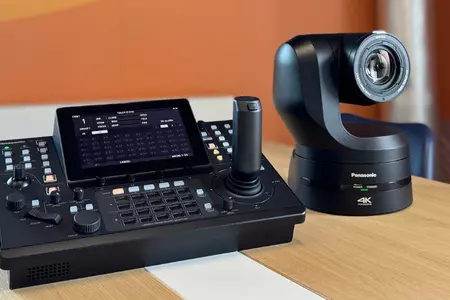
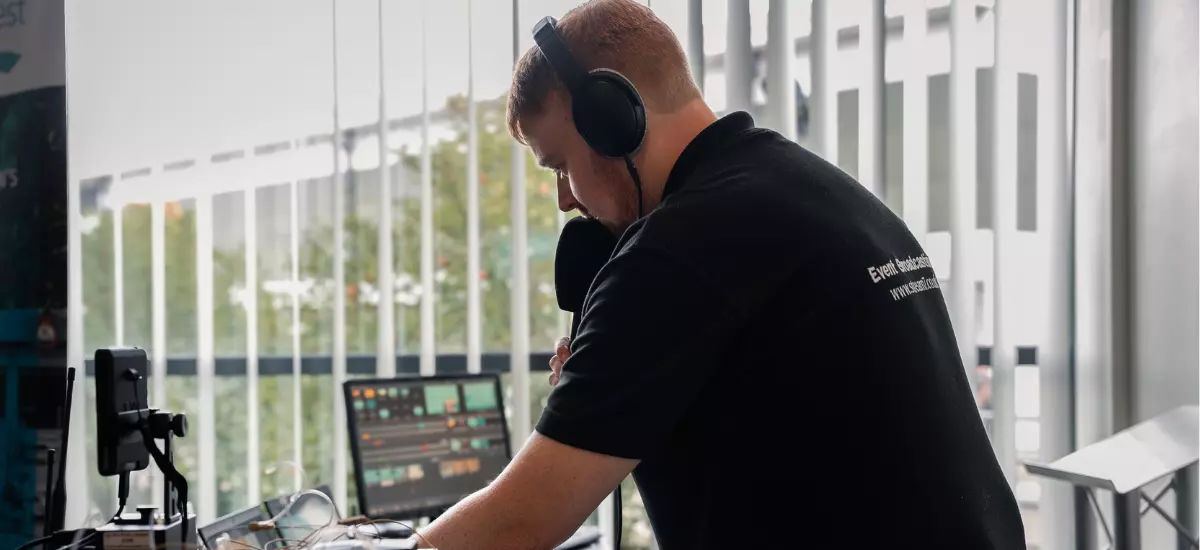
Behind every professional live stream is a control desk.
This is where camera feeds are switched, presentations are triggered, graphics are added and the outgoing stream is monitored in real time. Experienced operators manage changes calmly if schedules shift or speakers run early or late. For live events, this flexibility is essential.
Internet and connectivity for live streaming
Reliable connectivity is one of the most underestimated parts of live streaming events.
Venue WiFi alone is rarely suitable for professional live streaming. Dedicated connections, bonded cellular and backup internet options are often used to ensure the stream stays live even if one connection fails. For high-profile or mission-critical events, redundancy is essential.
Rehearsals and technical checks
Before an event goes live, everything is tested. Cameras, audio, lighting, presentations and connectivity are checked in advance.
If speakers are joining remotely, technical rehearsals help reduce stress and avoid last-minute issues. This preparation makes the live stream smoother for both presenters and audiences.
Live delivery and monitoring
Once the event is live, active monitoring continues throughout.
Audio levels are adjusted, camera shots are refined and stream quality is constantly checked. Professional live streaming teams stay alert so small issues can be resolved before audiences notice them.
After the live stream ends
Live streaming an event does not have to end when the broadcast finishes.
Recordings can be repurposed into highlight videos, short social clips, internal communications or on-demand content. This is often where organisations gain the longest-term value from live streamed events.
Top tips from our technicians
Pete Amos, Technical Director:
"People get excited about cameras, but audio is what makes or breaks a live stream. If the audience can’t hear clearly, they’ll switch off fast. Decide early what microphones you need, how many speakers there are, and whether there’s any playback audio. Getting this right upfront saves a lot of stress later."
Sam Lawson-Smith, Senior AV Technician:
"Live events never run exactly to plan. Speakers overrun, slides change, agendas shift. Build flexibility into your run of show and your tech setup. When there’s breathing room, small changes don’t become big problems."
Tom Smith, Senior AV Technician:
"Venue WiFi is usually designed for emails, not broadcasting. If the stream matters, you need a proper connectivity plan with backups. Even if the WiFi works during rehearsals, it can struggle once a room fills up."
Einars Spics, Event & Streaming Technician:
"Rehearsals aren’t just for presenters, they’re for the whole system. Running through transitions, slide changes and handovers helps everyone relax. The smoother the rehearsal, the calmer the live stream feels for the audience."
Damian Palli, Creative Producer & Editor:
"Live streaming shouldn’t be the first and last time your audience sees your event. If you plan content early, things like camera angles, lighting and framing can be set up to work for highlights, social clips and on-demand viewing. A small amount of planning upfront makes post-event content far easier and far more effective."
Why professional live streaming matters
When live streaming is done well, it feels seamless. When it’s done poorly, it can undermine the entire event experience.
The difference is rarely just equipment. It’s the planning, people and experience behind the scenes.
At Stream7, we deliver professional live streaming as part of a wider event production approach, supporting conferences, hybrid events, exhibitions and internal communications across the UK and beyond.
If you’re planning to live stream an event and want to understand what’s involved, we’re always happy to talk it through.